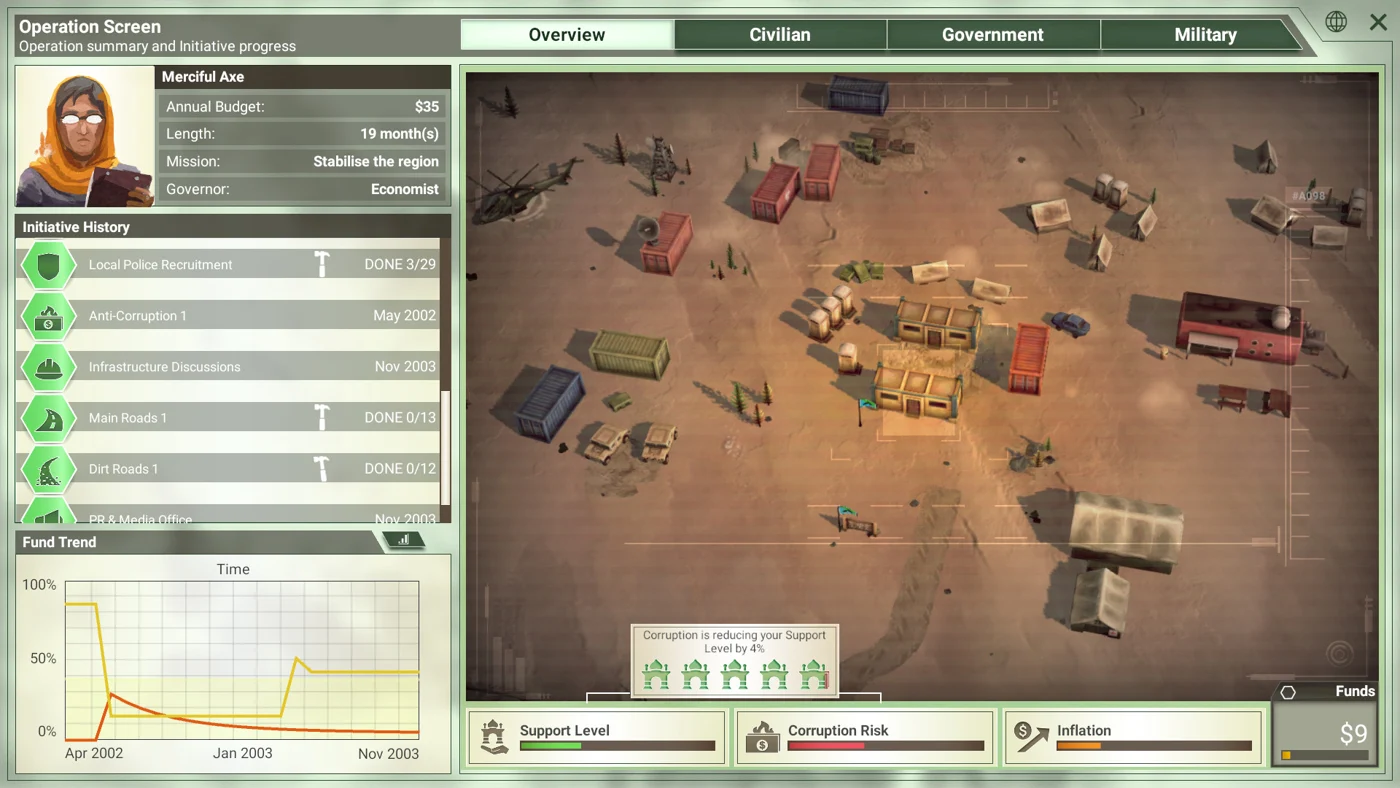
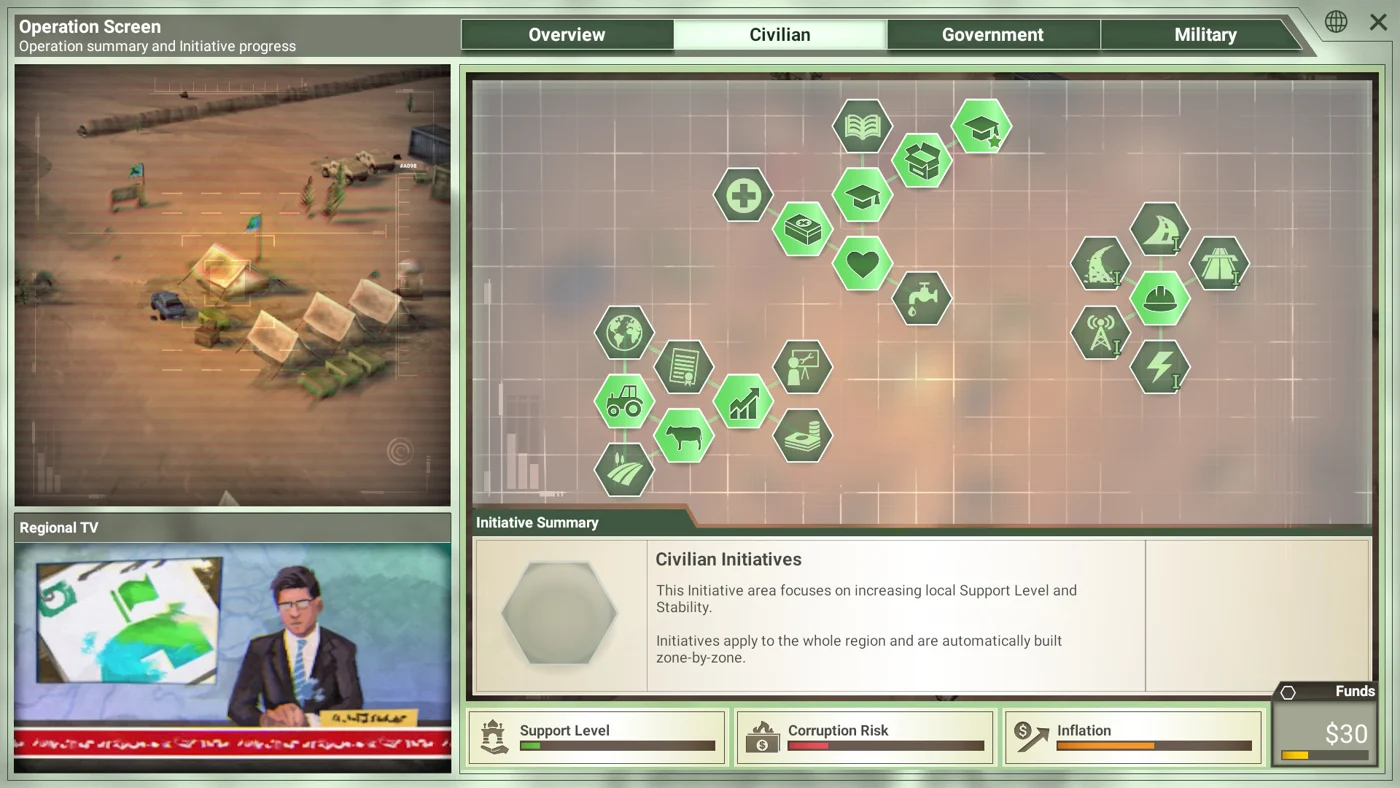
Region terrain and neighbouring zones
Open a zone to inspect its terrain, initial population and connections to neighbouring areas.
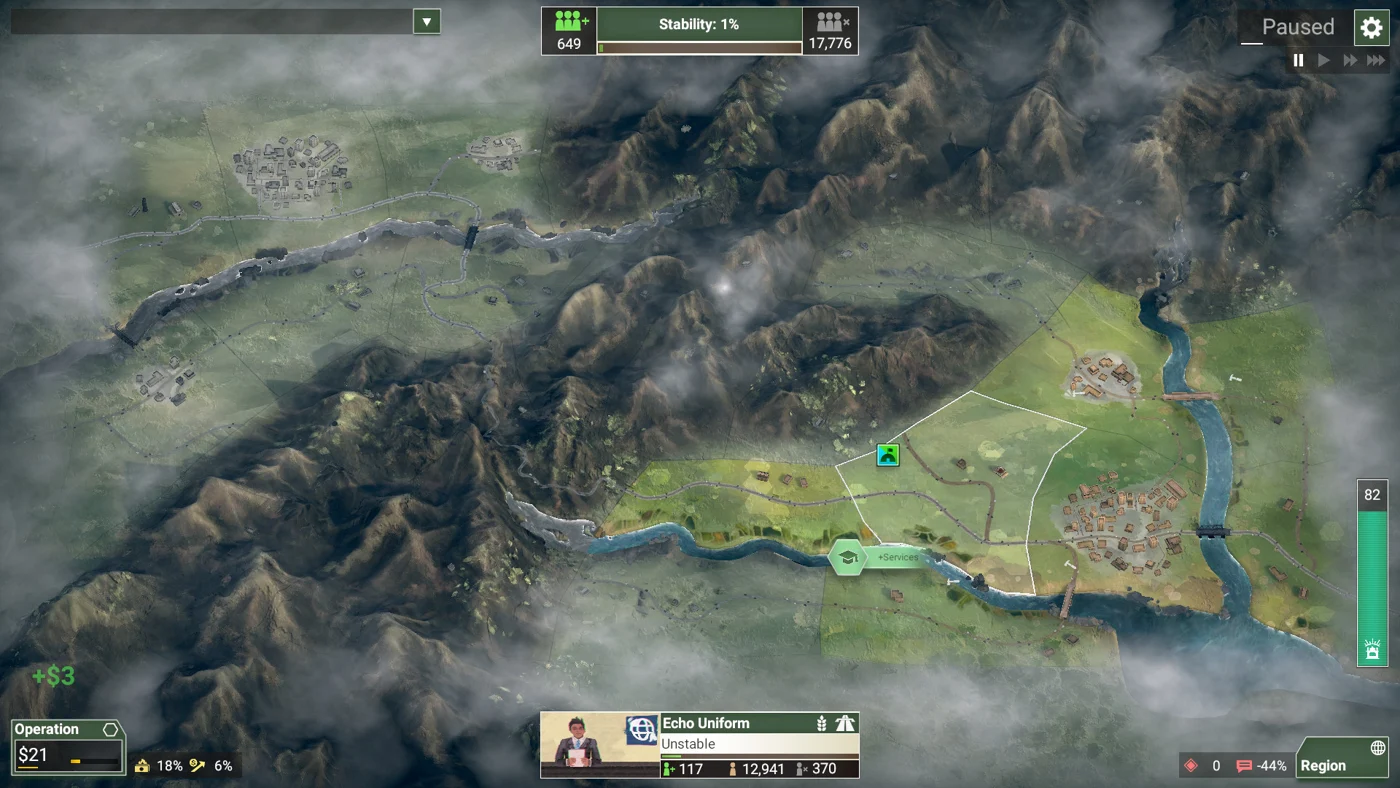
Find a zone
Select a region in the atlas, then open the zone you want to inspect. Its page shows the initial population, zone type and terrain.
Zone names repeat across regions. When sharing an area called Alpha, include the zone page link so the recipient opens the correct region.
Check the neighbouring areas
Follow the neighbouring-zone links to inspect the areas connected to your destination. River boundaries and map-edge flags appear on the zone page. Check road conditions and unit positions in the current operation before moving soldiers.
Initial population
Population figures describe the start of the operation. Use the in-game population display to assess changes during play.
COMMUNITY
Add a note or screenshot